
A guide from Pelfi
Make room for a pelvic floor practice routine
Choose a practical time, keep your place and return to your next session. A simple guide with a free weekly planner.
By Pelfi · Published
General education. Not a clinical assessment.
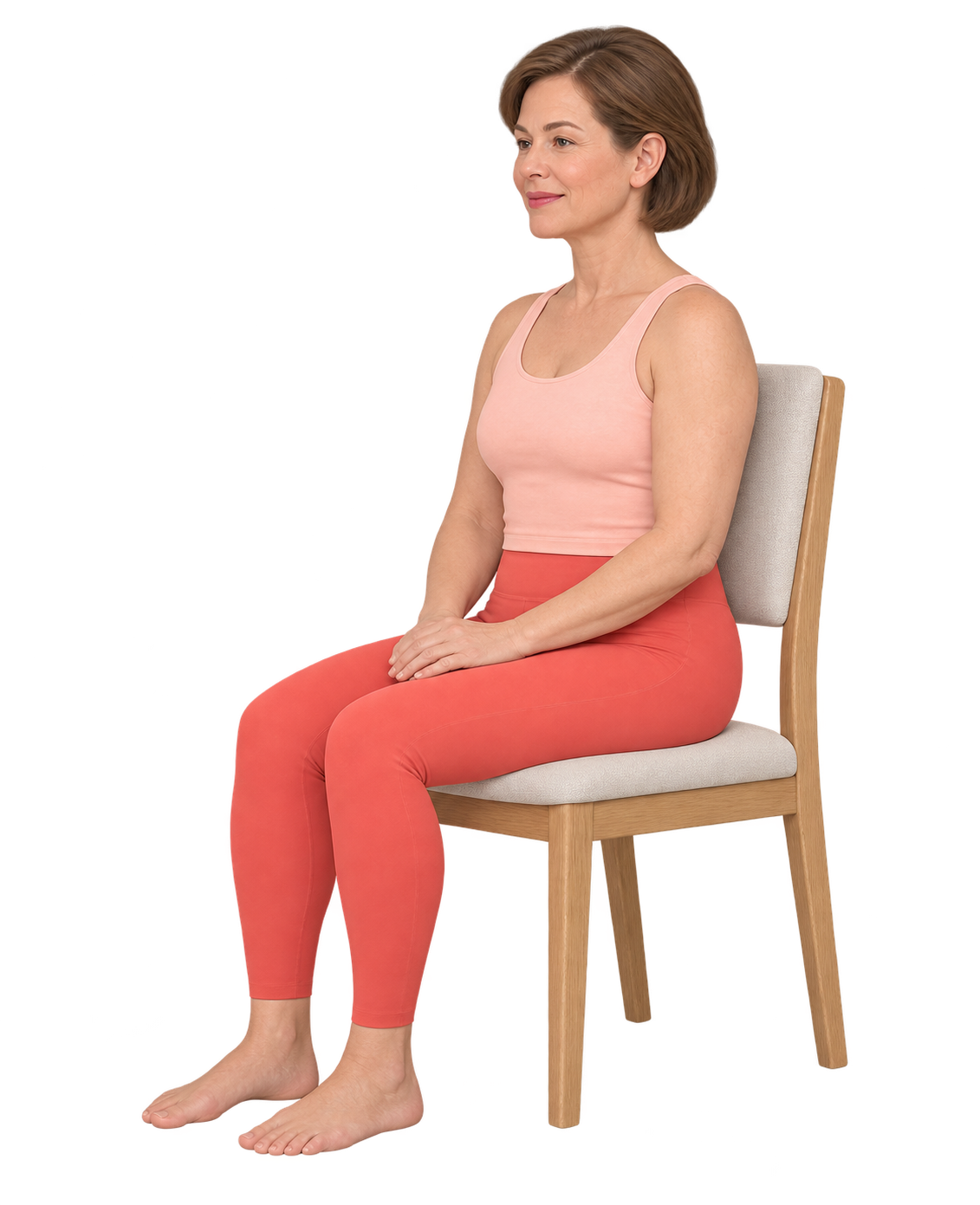
Start with a time you can return to
Look at a session’s length before choosing where it fits. In Pelfi, you can explore the program and its opening sessions before membership. Choose practice that is appropriate to you, rather than adding sessions just to fill a calendar.
If you are unsure about technique, exercise choice or how often to practise, ask a pelvic health professional. The NIDDK’s guide recommends getting help with using the correct muscles. A planner organizes your time; it does not prescribe a routine.
Give your next session a place
- Choose your days. Start with the days that fit your own guidance and schedule.
- Pick a useful reminder. A quiet time at home may suit you better than a busy moment in the day.
- Leave a note for next time. Record where you stopped so you do not have to work it out again.
There is no need to turn a missed day into extra repetitions. Return to the plan that is appropriate to you.
How Pelfi helps you return
Choose your practice days and an optional reminder in the app. If you pause midway, save your place and return later. Your session history shows what you completed, separately from the days you planned to practise.
During voiced practice, guidance can continue with your screen locked. You can pause or resume from the Lock Screen, and use the Home Screen widget to open your next or saved practice.
Explore Pelvic Floor Basics, Strength & Control, Pelvic Floor + Core or Breathe & Release. Membership includes all four programs.
Prefer a place on paper?
The free weekly practice planner has room for your chosen days, what you planned and where to pick up next time. Print a fresh page whenever you need one. No email or account is required to download it.